For grown-ups
Proper video games for 5-to-10s. No ads, no chat, no strangers.
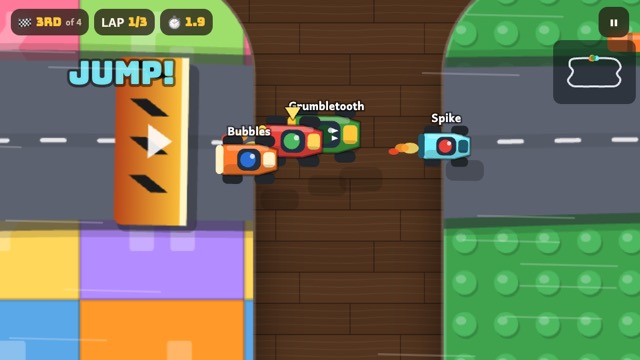
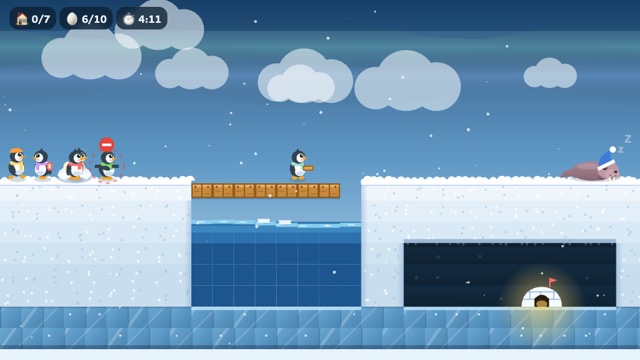
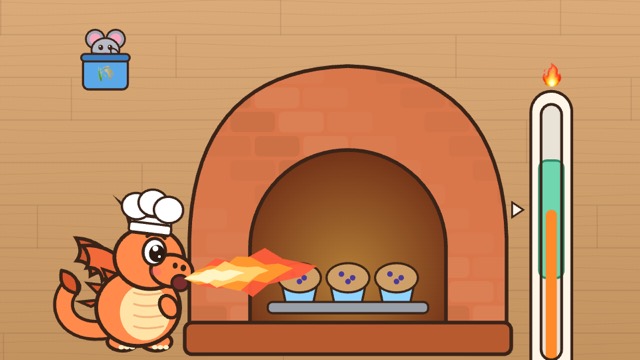
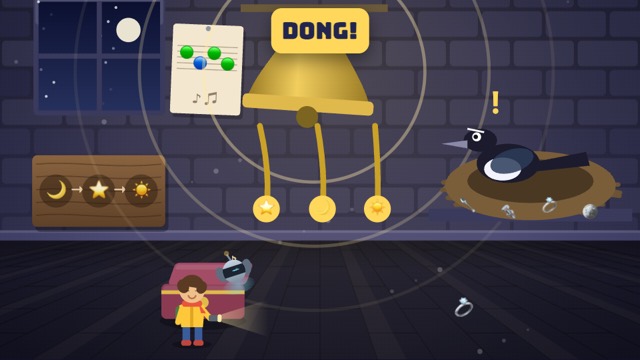
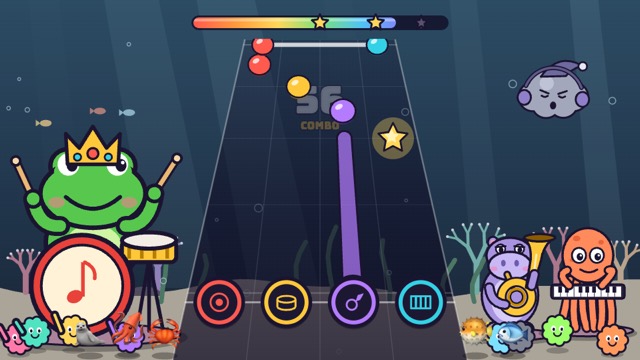
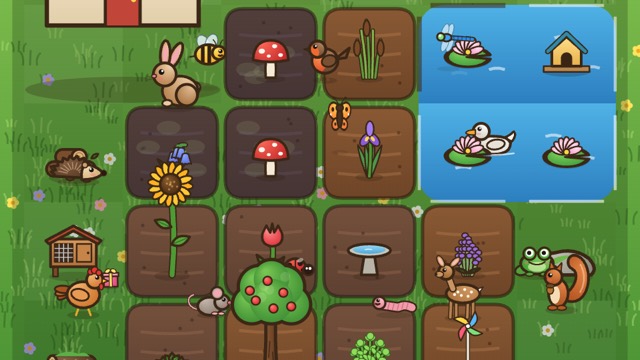
21 games that play in the web browser on a tablet, phone or laptop, with nothing to install: racing, puzzles, platformers, an escape room, a band, a bakery, a garden and two-player battles.
Free to play
Every game and every level is free for everyone.
No card, no trial, nothing to cancel.
We plan to open a shop with one thing in it: Kid Cartridge Volume 1, the 21 games listed below. A grown-up would pay once, £29 in the UK or US$35 elsewhere, and the full version of those 21 games would open for one household, on up to 10 devices, for as long as we run the site. Nothing would renew, and the first part of every game would stay free.
Updated 24 October 2026: our Terms and Privacy notice now cover buying Volume 1 through Paddle, our reseller, and there is a new Refunds page.
Kid Cartridge Volume 1
£29 in the UK · US$35 everywhere else
At checkout you see the price in your own currency where we can offer it. The price includes any VAT or sales tax.
- It opens the full version of each of the 21 games in Volume 1: see the list. Any game added to the site later is not part of it.
- For one household, on up to 10 devices: tablets, phones and computers. A Home Screen icon on an iPad or iPhone counts as its own device.
- Pay once. Nothing renews, and there is no subscription.
- The first part of every game stays free, with or without a code, and some of the games are free all the way through already. In the games, the parts Volume 1 opens wear a FULL GAME tag.
- Yours for as long as we run the site.
- Changed your mind? Ask within 14 days for a full refund.
Paddle.com sells Volume 1 for us as our reseller (the merchant of record). Paddle takes the payment, sends your receipt and handles any refund. You must be 18 or over to buy.
The 21 games in Volume 1
- Acorn Bombers
- Boom Band
- Bricks & Bridges
- Bumper Tops
- Crash Yard
- Dino Command
- Garden Guests
- Lizard Landing
- Mossy Hollow
- Penguin Parade
- Pillow Punch-Up
- Rocket Train
- Saucer Storm
- Sky Pop
- Splat Squad
- Stomp Island
- Tin Can Heroes
- Tiny Wheels
- Toastie’s Kitchen
- Tumble Trail
- Twelve Doors
Finish paying
This link opens Paddle's checkout for an order made for you. Paddle.com sells Kid Cartridge Volume 1 for us as our reseller.
Have a code?
Type it on each device your child plays on. It opens the full version of the 21 Volume 1 games on that device, with or without a player name.
Lost your code? Email gamesmaster@kidcartridge.com from the address you paid with.
Send it to your child’s tablet
Reading this on your phone? Send the games to the tablet your child plays on. There’s nothing to install, and no sign-up.
On the tablet, open kidcartridge.com.
Share with another parent
A link to this page, for a friend whose children might like the games.
kidcartridge.com/grown-ups/
Free printables, and news
Put it on the Home Screen
The games then open full screen, like an app, with every game one tap away.
On iPhone and iPad this also helps keep saved games safe. If a guest’s games go unplayed for a while, Safari can clear their saves. A Home Screen icon is kept apart from that. The icon starts with its own saves, so add it before the first game if you can.
iPad and iPhone (Safari)
- Open kidcartridge.com in Safari.
- Tap Share . On iPad it’s at the top. On iPhone it’s at the bottom; on newer iPhones, tap ••• first.
- Scroll down and tap Add to Home Screen. On newer iPads and iPhones you may need to tap View More first.
- If you see Open as Web App, leave it on. Tap Add.
- Open the games from the new icon from now on.
Android (Chrome)
- Open kidcartridge.com in Chrome.
- Tap the menu at the top right.
- Tap Add to Home screen. It may say Install app.
- Tap Add or Install.
Chromebook or laptop
- Open kidcartridge.com in Chrome or Edge.
- Look for an install icon at the right-hand end of the address bar, and click it.
- No icon? Bookmark the page instead.
Your child’s privacy, in plain words
- No adverts, no chat, and no way for other players to message your child.
- We never ask a child for an email address, a phone number, a photo or where they are.
- Guests just play, with nothing to type. A child can also pick a made-up player name from our lists and a four-digit PIN, to keep their games on more than one device.
- The scoreboards are switched off, so no other player sees your child’s player name or scores.
- We count which games get played and for how long, so we can make them better. For a guest, that count has no name on it.
- For a child with a player name, a grown-up can see the play log and delete the player in Settings.
Questions grown-ups ask
Do children need an email address?
No. Guests need nothing at all. A player name and four numbers is all we ever ask a child for.
Who makes it?
One person makes and runs Kid Cartridge, as Kid Cartridge Games in Abu Dhabi. More about Kid Cartridge
Something broken, or a question?
Email gamesmaster@kidcartridge.com. Inside every game, the 🐛 button sends us a picture of the screen, so we can see what went wrong.
Play the games · Have a code · About · Privacy · Terms · Refunds